AI appointment reminder system software sends reminders to customers automatically. It confirms attendance and helps customers reschedule when needed. For salons, clinics, tutors, and repair shops, this matters a lot. After all, an empty slot cannot be sold twice.
In this guide, you will learn how these systems work. Moreover, you will see where they help most. Finally, you will find a simple checklist to get started.
A Typical Friday Afternoon
Imagine you run a small beauty salon. Six customers have booked for Friday afternoon. Your team has prepared the rooms and products. At two o’clock, the first customer does not arrive. Then, at half past two, the second one is also missing. Your staff calls both customers. However, nobody answers.
By the time you confirm the absences, the slots are gone. As a result, two hours of work time are wasted. Unfortunately, this happens in many appointment-based businesses every week.
The Real Cost of No-Shows

First, a no-show wastes the time slot. The slot is already blocked. Therefore, no other customer can use it. Second, your team is ready. Staff, materials, and rooms are prepared. As a result, the cost is lost for nothing.
Moreover, no-shows make planning harder. Staff may wait idle. Meanwhile, other customers may have been turned away because the slot looked full.Finally, no-shows add stress. Owners spend time chasing customers and rearranging schedules. In contrast, that time could go toward serving customers.
Why Manual Reminders Often Fail
Many businesses already send reminders by hand. However, this approach has clear weaknesses.
First, it depends on memory. On a busy day, someone forgets to message a customer. Second, it takes time. Contacting fifteen customers one by one is slow.Third, messages differ between staff members. Consequently, customers receive uneven information. Finally, rescheduling needs back-and-forth chats. As a result, it takes even more time.
All of these tasks are repetitive and standard. Therefore, they suit automation very well. This is exactly where DreamzTrack AI fits in.
AI Appointment Reminder System —— How Automated Reminders Work
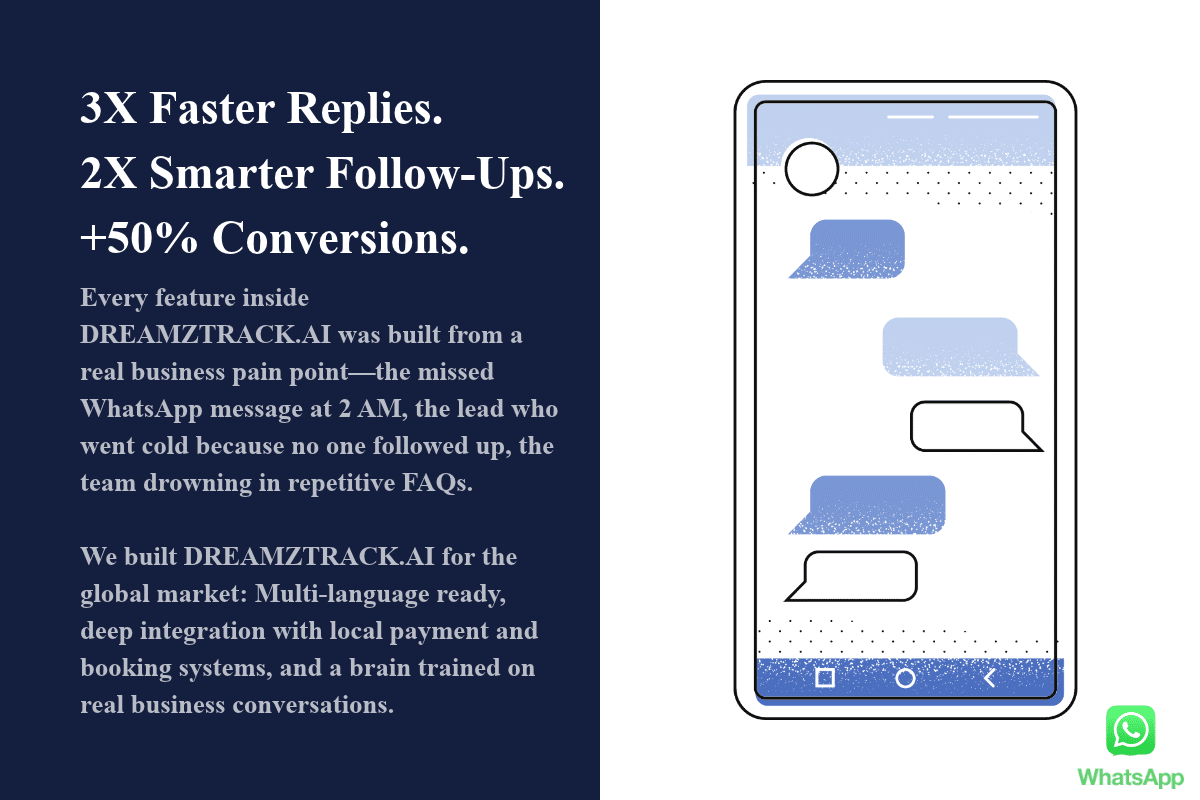
A good reminder flow usually has three moments. With DreamzTrack AI, you set these moments once. Then the system sends them on time.
- Day before. The system sends the date, time, and place. Then it asks the customer to confirm. Consequently, you learn about problems early.
- Same day. A short message follows a few hours before. This reminder helps customers who forgot.
- Reschedule. If a customer cannot come, they reply directly. Then the system offers new times or alerts your team. As a result, the slot is not silently lost.
The whole flow runs without daily manual checking. Moreover, your team only handles the exceptions.
What a Good Reminder Message Includes
Even with automation, the message itself matters. Therefore, include these elements:
- The customer’s name, so the message feels personal.
- The service booked, so there is no confusion.
- The date and time, which are the most important details.
- The location, so customers do not need to ask again.
- A simple reply option, such as “Reply 1 to confirm.”
- A friendly closing, such as “See you soon.”
AI Appointment Reminder System vs Manual Calls
| Area | Manual calls or messages | DreamzTrack AI reminders |
|---|---|---|
| Time spent | Every customer takes effort | Sent automatically |
| Risk of missing | High when busy | Lower with a set schedule |
| Consistency | Varies by staff | Same clear message |
| Customer reply | Often needs a phone call | Reply directly on WhatsApp |
| Special cases | Easy to discuss | Passed to your team |
However, AI does not replace your team. Instead, it handles routine reminders. Meanwhile, your staff can focus on special cases and personal conversations.
Customers Can Confirm or Reschedule on WhatsApp
Customers already use WhatsApp every day. Therefore, replying there feels easy. They do not need to answer a call or open a new app. Furthermore, easy rescheduling prevents silent no-shows. Many customers skip appointments because cancelling feels awkward. In contrast, a simple reply removes that awkwardness.
As a result, you learn about changes earlier. Consequently, you have more time to fill the slot. DreamzTrack AI keeps these replies in one WhatsApp conversation for your team.
Google Calendar Sync
Reminders are only useful when appointment data is correct. Therefore, syncing with Google Calendar helps. Your team sees every booking in one place. Furthermore, it reduces manual typing errors. As a result, customers receive accurate details. In addition, changes to the calendar can flow into the reminders.
DreamzTrack AI offers AI Reminder for this purpose. Its reminders follow the schedule you set. Please check the latest WhatsApp rules for business messages before launch.
Which Businesses Benefit Most
Many appointment-based businesses can benefit. For example:
- Salons and spas, where each slot is fixed.
- Clinics and dental practices, where schedules are tight.
- Tuition and training centres, where class times need confirmation.
- Car service centres, where bays and technicians are planned ahead.
- Consultants, where meeting time is limited.
- Restaurants, where tables are held for guests.
Setup Checklist Before You Start
First, list your appointment types. Then decide which reminder moments each type needs. Next, write clear messages for each moment.
After that, plan how to handle reschedule requests. Also decide which cases need a human reply. Finally, confirm that you have permission to contact each customer.
Common Questions
1. Will automated reminders feel cold? Not if the message is friendly and specific. Moreover, adding the customer’s name helps.
2. What if a customer does not reply? Send one short follow-up. Then let your team decide whether to call.
3. Is it worth it for a small business? If you have only a few bookings, manual reminders may be enough. However, once bookings grow, automation saves time.
Start with a simple day-before reminder. Then add same-day reminders and easy rescheduling. Finally, request a demo of DreamzTrack AI to see AI Reminder work with your booking flow.